




Features
Administration & Security
User Role Management for Travel CRM Teams
This user role management for travel CRM teams controls who sees and does what, by assigning roles and permissions so sales, operations, and finance each work securely within their own responsibilities.
Fast-Growing Travel Companies Powered By Sembark's User Management & Roles





%201.C5nQIJrz_wXwPo.webp)

A day in your office
Problems That Show Up Before You Automate Access Control
Confusion in Team Responsibilities
Without clear ownership, the same task gets done twice by two people, or not done at all by anyone.
Accidental or Incorrect Data Changes
With no role restrictions in place, anyone can edit data well outside what their job actually covers.
Unauthorised Data Access
Without access control, sensitive data, pricing, contracts, client details, sits open to anyone logged in.
How It Works
Prevent unauthorised actions with advanced access control
- 1
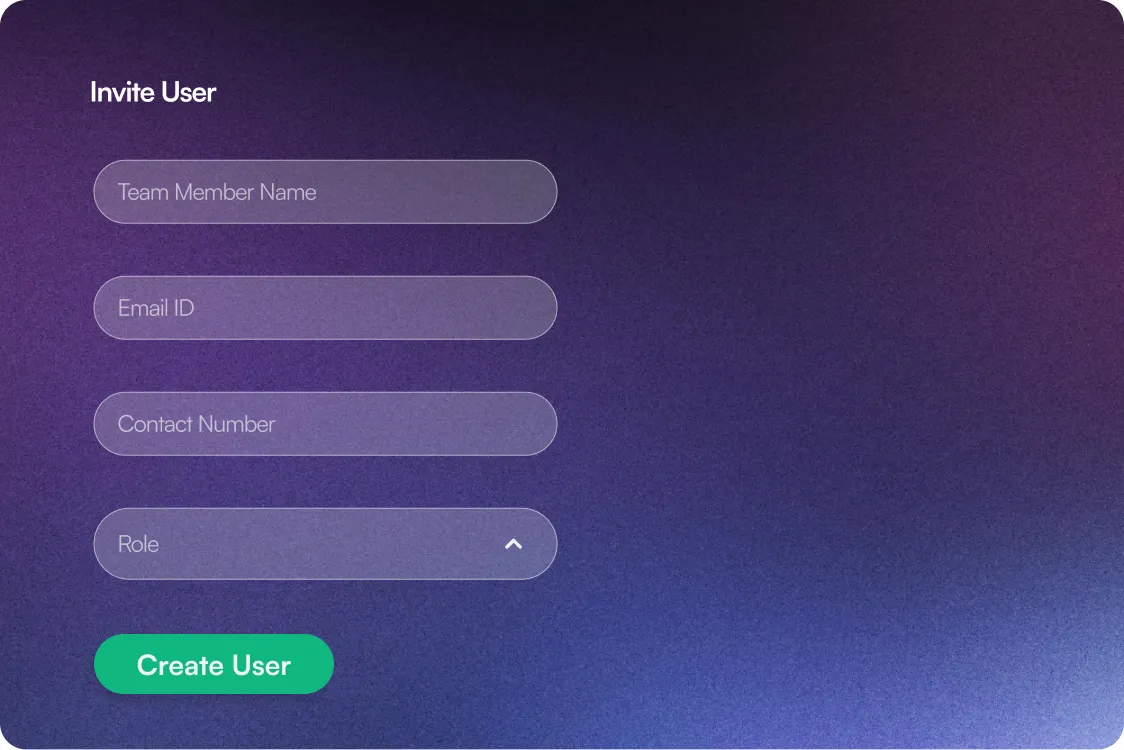
Create Users
Add team members to the system with their basic details and department.
- 2
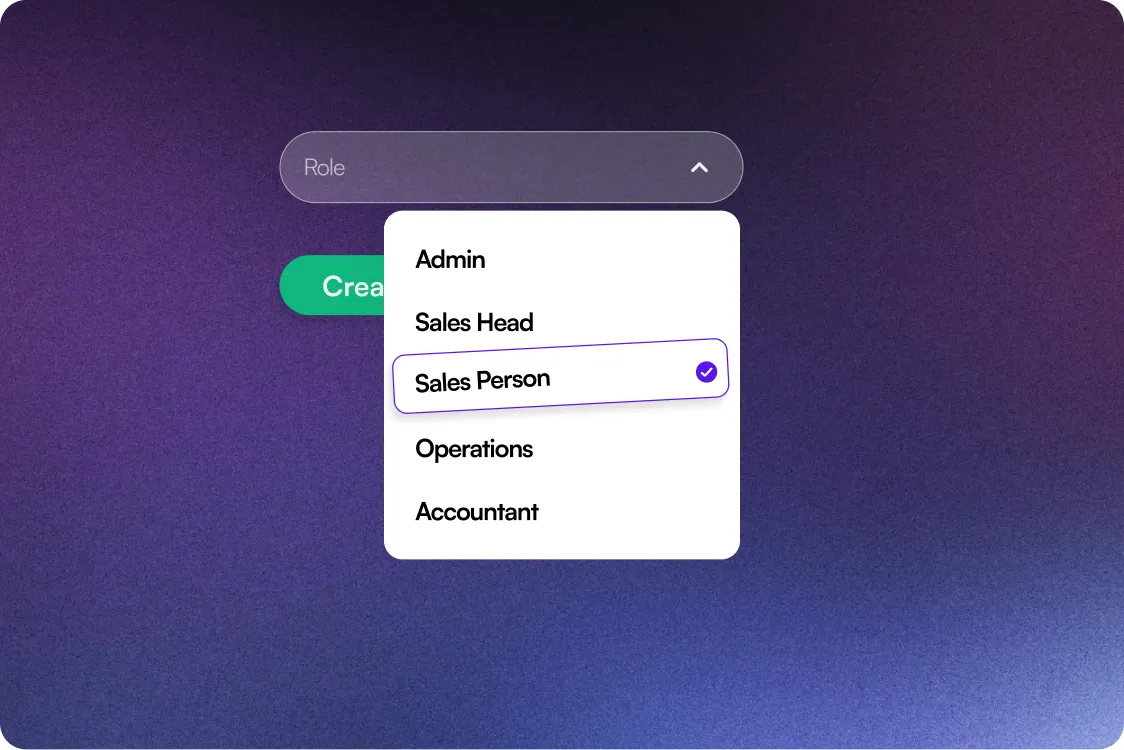
Assign Roles & Permissions
Define what each user can view, edit, or manage, based on their role.
- 3
Monitor Activity
Track user actions & access in one click to maintain accountability and system control.
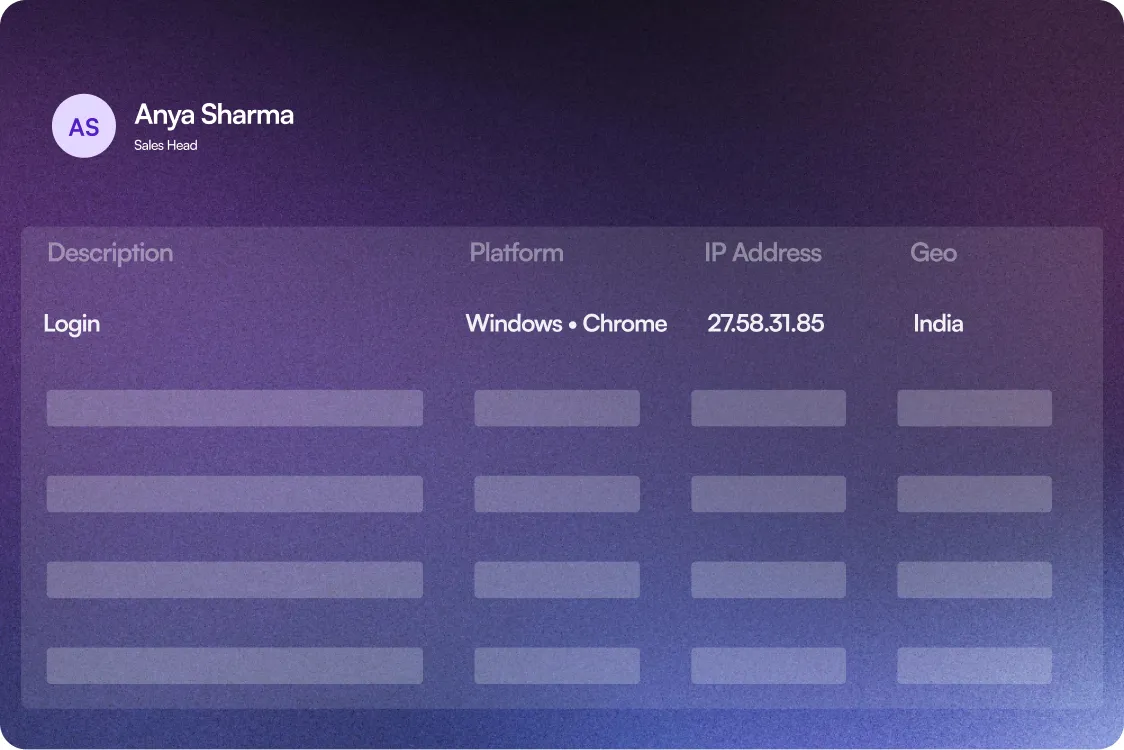
What enables Access control?
Features that lock sensitive data & critical permissions
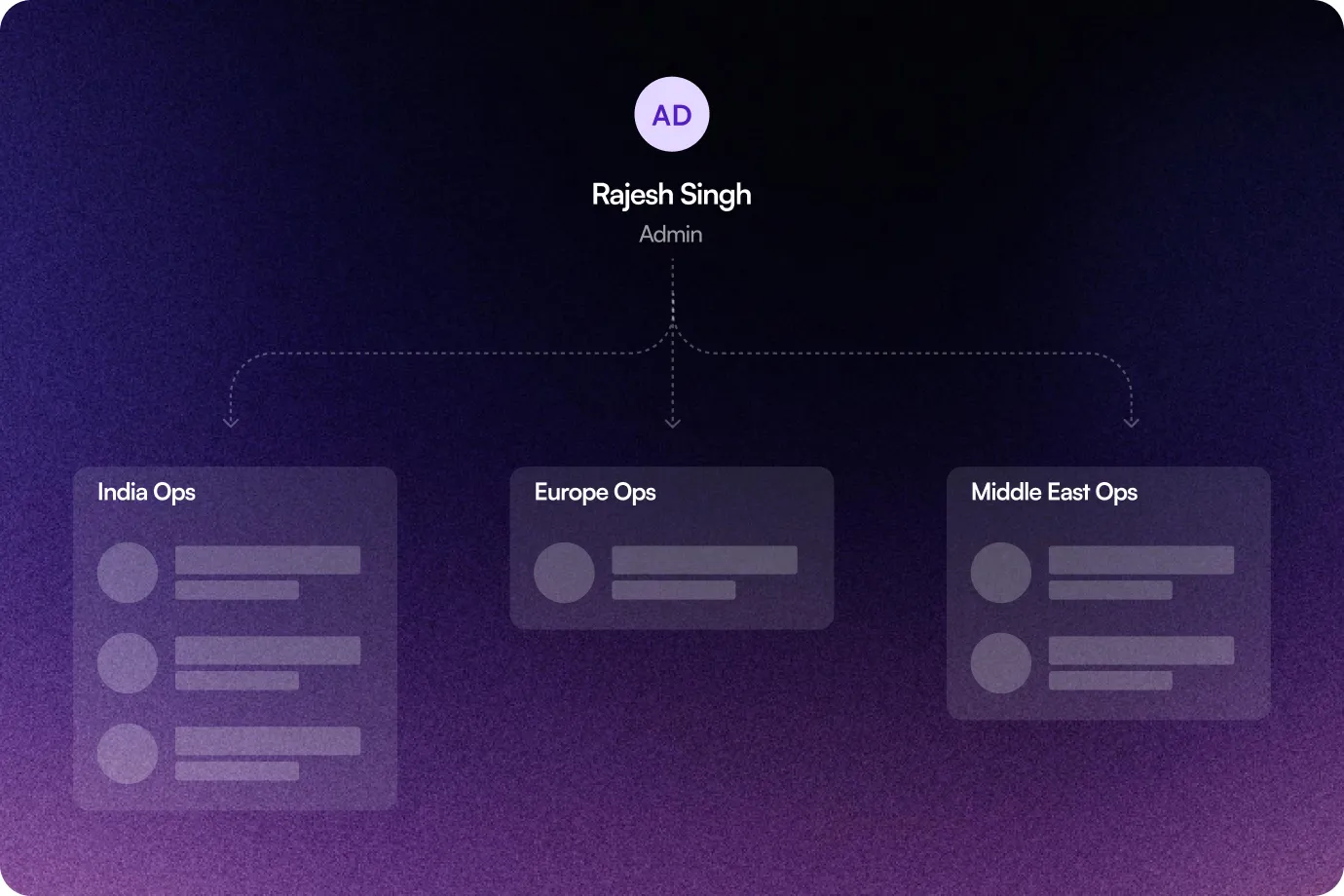
Flexible Team Structuring
Build teams around office location, destination expertise, or operational needs, for smoother coordination and tighter control.
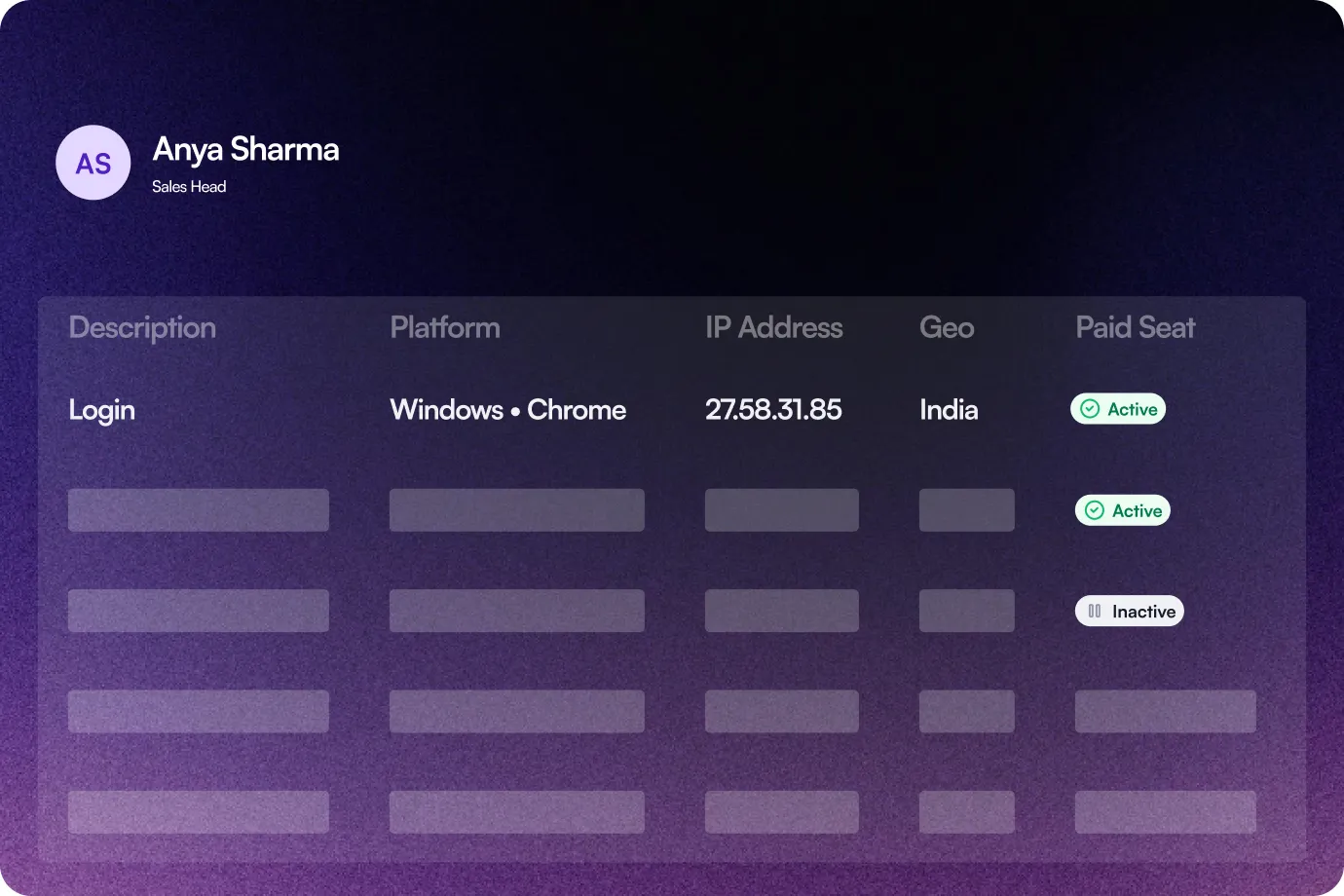
User Activity & Billing Control
Track active and disabled users in the system, so owners always know who's using the software and what that means for billing.
The Sembark Way
Your Workflow: With & Without Sembark
The Old Way
Data exposure risks
No log of user activity
Unclear task ownership
Open system access to everyone
The Sembark Way
Secured data with limited access
Proper track of per-user activity
Refined responsibilities for all
Controlled access according to role
Frequently Asked Questions
FAQs for User Management & Roles
Who can manage user access?
Admins manage user access by role and department, right from the dashboard.
Can we edit permissions and access anytime?
Yes, user roles and permissions can be updated anytime by an admin, with flexible access for a DMC with a small core team or a global travel agency managing access across branches.
Does this service come at additional cost?
No, you don’t pay any extra cost. With Sembark, you pay a only once, the monthly subscription that covers all features. There are no hidden fees or add-on charges for any service.
Still have questions?
Get in Touch with Us